
Clover devices
Clover,
set up for you
Every Clover on interchange + 5¢. We set it up.

-
01
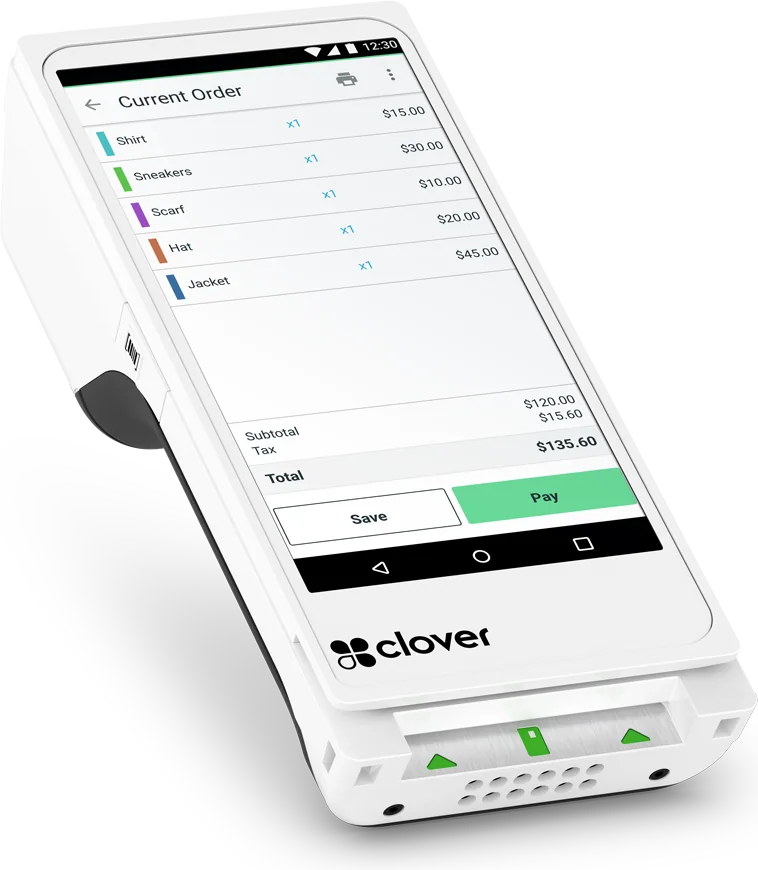
Flex
The handheld POS
Accept every payment type, take orders and track sales wherever you go.
Price Ask us
-
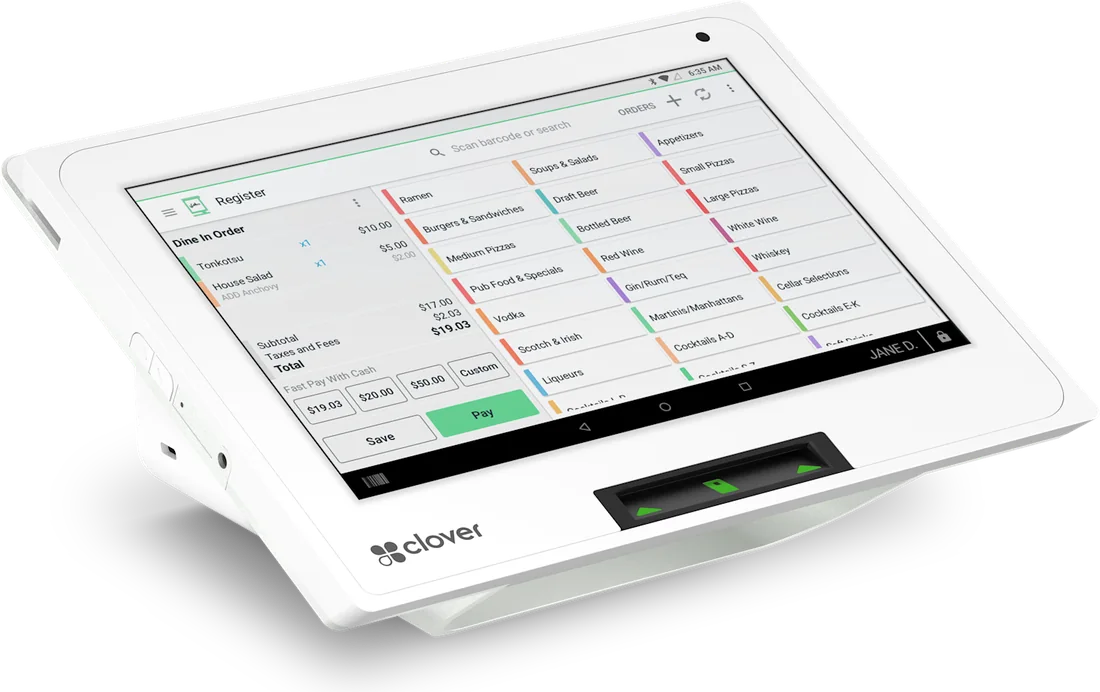
-
03
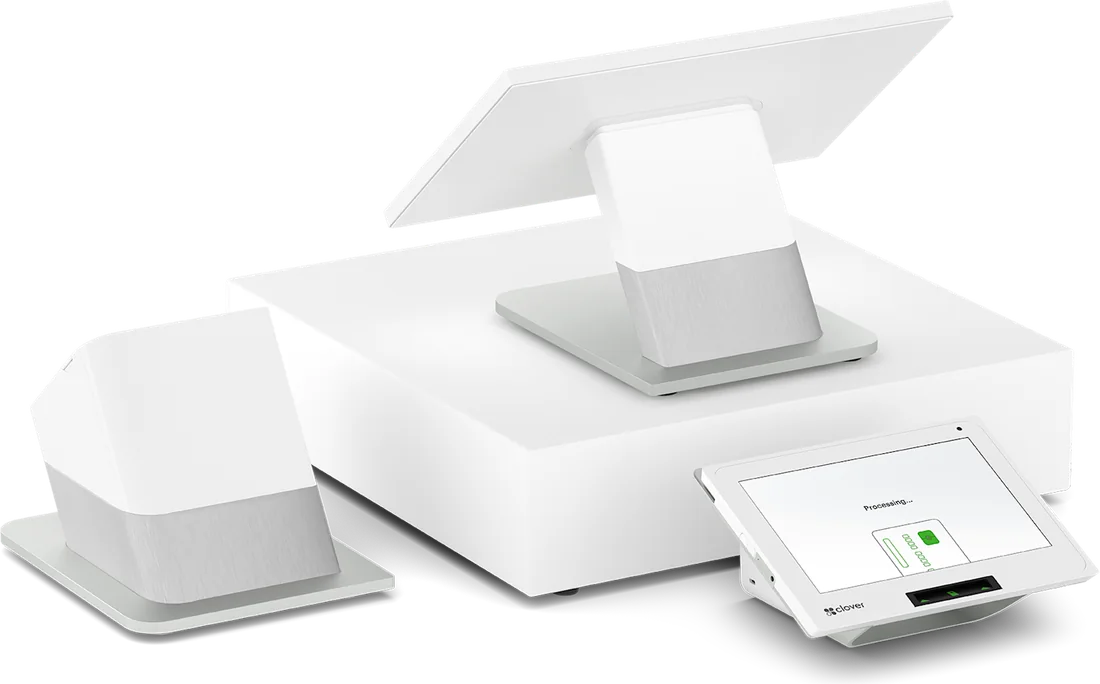
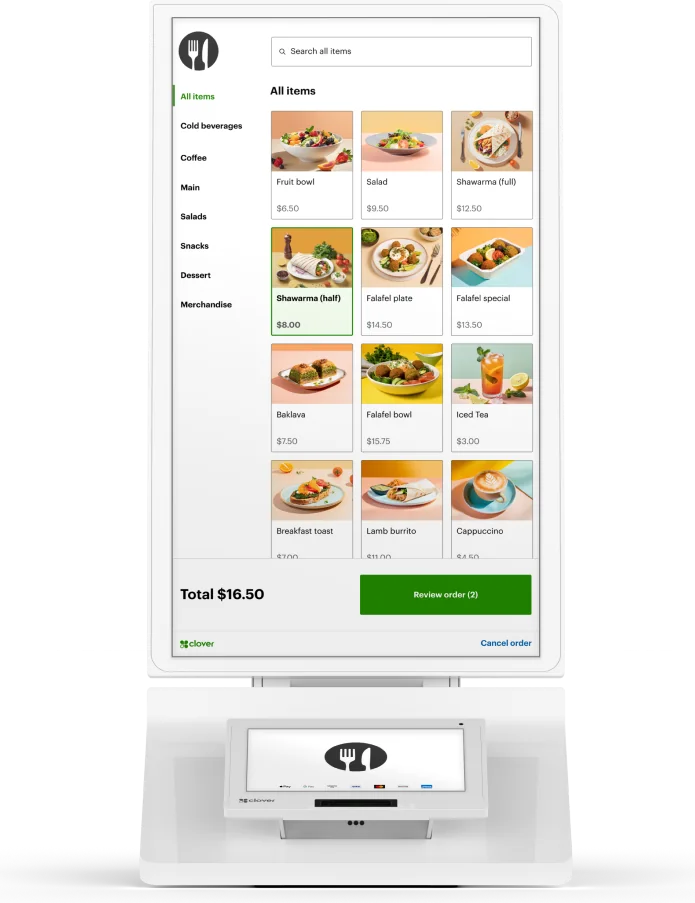
Station Duo
A fast, dual-screen POS
Take payments, track inventory, manage time sheets, run reports and print.
Price Ask us
-
04
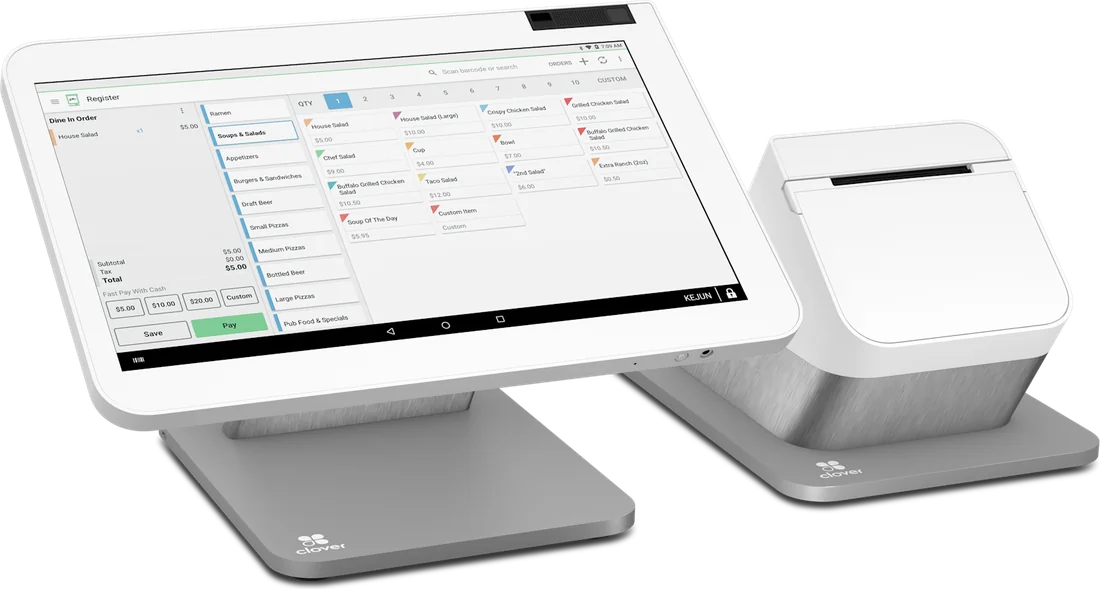
Station Solo
An all-in-one POS
Take payments, make appointments, check inventory and manage employees.
Price Ask us
-
Interchange + 5¢
On every Clover, in person and online. No monthly, PCI or setup fees. See pricing →
How to switch
You send one statement. We do the rest.
You'll see your lower rate within 24 hours of sending your statement.
- 1
Send your last statement
A PDF or a photo. Upload it below, or email it to info@maplebitservices.com.
- 2
See your lower rate
Your fees now and with Maple Bit Services, line by line.
- 3
We set up your Clover
Setup is on us.
Send us your last statement and we'll show you your lower rate.
Guaranteed lower rates. No added fees.
If you're in or around the GTA, we'll come to you and talk you through how we work. Anywhere else in Canada, we'll do it by phone.
Or email it to info@maplebitservices.com, or call (647) 535-6658.